Wallboard gives the central team a single network to operate and the rules to govern it, while everyone else gets a short path to the update they came to make. Underneath, it connects to the data you already run.
The new wallboard.us is on its way. Until then, here is a brief look at what Wallboard enables.
What is Wallboard?
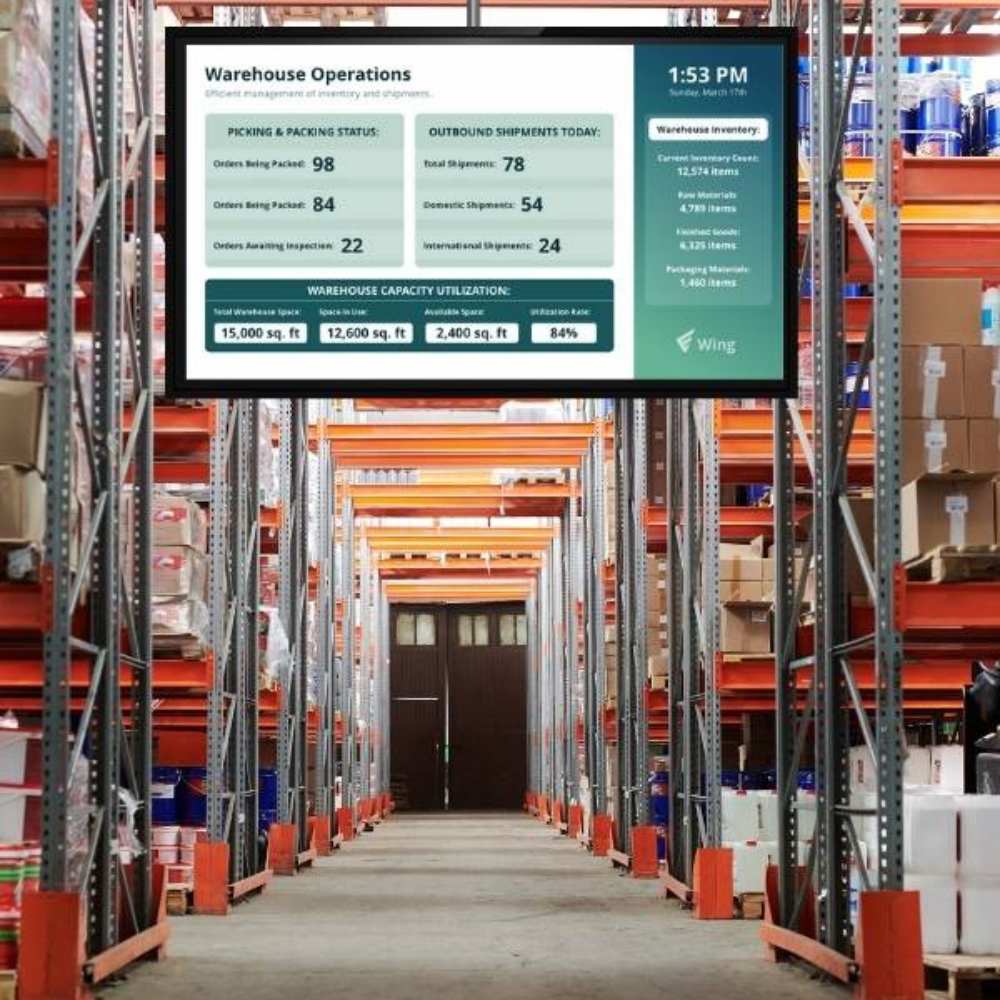
Wallboard is software for managing digital screens across locations, whether they show customer information, workplace updates, or interactive content. Central teams control what appears where and when, while other teams can make the updates they’re allowed to make. Wallboard can also connect screen content to existing data and systems.
The ideas behind every Wallboard network
Pillar 01 / 03 of 03
Operate the network
As your screen network grows, Wallboard gives central teams one place to organize devices, apply settings across groups, manage schedules, and see where attention is needed.
In practice
Keep track of network health
Set offline alerts for the folders or tags that matter, and route them to the right people during the hours you configure.
Device management
Scheduling
Network visibility and reporting
Deployment options
Security and governance
Pillar 02 / 03 of 03
Govern complexity and simplify work
Central teams control branding, the look and feel, and the rules for making changes.
Each team gets a focused interface and workflows tailored to the work they do, so everyday updates are easier across the organization.
In practice
Hand out edits, keep the system
A local team can use a focused form to change the content relevant to its task and preview the result. The central team maintains the templates, branding, and permissions behind it.
Roles, permissions and approvals
Access controls
Content and creative
Everyday contribution
Security and governance
Pillar 03 / 03 of 03
Automate and extend
Bind screens to live business data, trigger them from other systems and let approved AI assistants help.
In practice
Let AI help inside your rules
AI assistants connect over MCP and act as the signed-in user. Admins choose which actions each person allows, and delete starts switched off.
Data and integrations
AI and automation
Interactivity
APIs, MCP and custom applications
Backed by responsive experts
A clear path to expert help
We think software is only half of a signage rollout. People are the other half.
Every customer has a route to knowledgeable support, with our partners acting as first contact where applicable. Specific hours and response targets are set out in the relevant support terms.
Wallboard has successfully completed a SOC 2 Type II examination for Security, with no exceptions noted.
The report is available on request under confidentiality terms.
Uptime
99.95%
For cloud deployments hosted by Wallboard, measured monthly. Scheduled maintenance is announced in advance.
Single sign-on
SAML 2.0
Sign-in that follows your directory.
Provisioning
SCIM 2.0
Users and access provisioned from your directory.
Two-factor sign-in
Enforceable
Two-factor sign-in you can enforce for every user.
Data residency
EU or US
In Wallboard Cloud, core data for EU customers stays in the EU. US customer data stays in the US.
Deployment
Cloud or customer-hosted
Wallboard Cloud, a hosted private instance, or your own cloud account or data center, which Wallboard can manage by agreement. Restricted and air-gapped networks are supported.
Integrations
Over 20
External datasource types, Power BI among them, plus a REST API secured with OAuth 2.0.