Partner Portal

Explore Wallboard at your own pace! Get hands-on with our new interface, workflows, and key features through interactive demos and content exercises. Gain practical experience and a deeper understanding of the latest tools and enhancements—on your schedule.
Self Paced Training

To help you transition smoothly to Wallboard 2.0, we’ve created a self-guided training program designed to walk you through the new interface, workflows, and key features. With 11 video lessons and interactive content exercises, you’ll gain hands-on experience with the latest tools and enhancements.

Content Exercises and
Interactive Demos

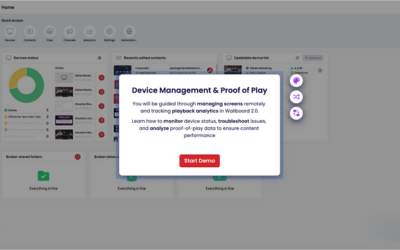
Introduction to Device Management & Proof of Play

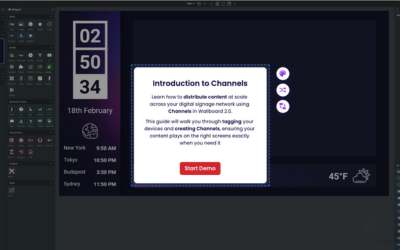
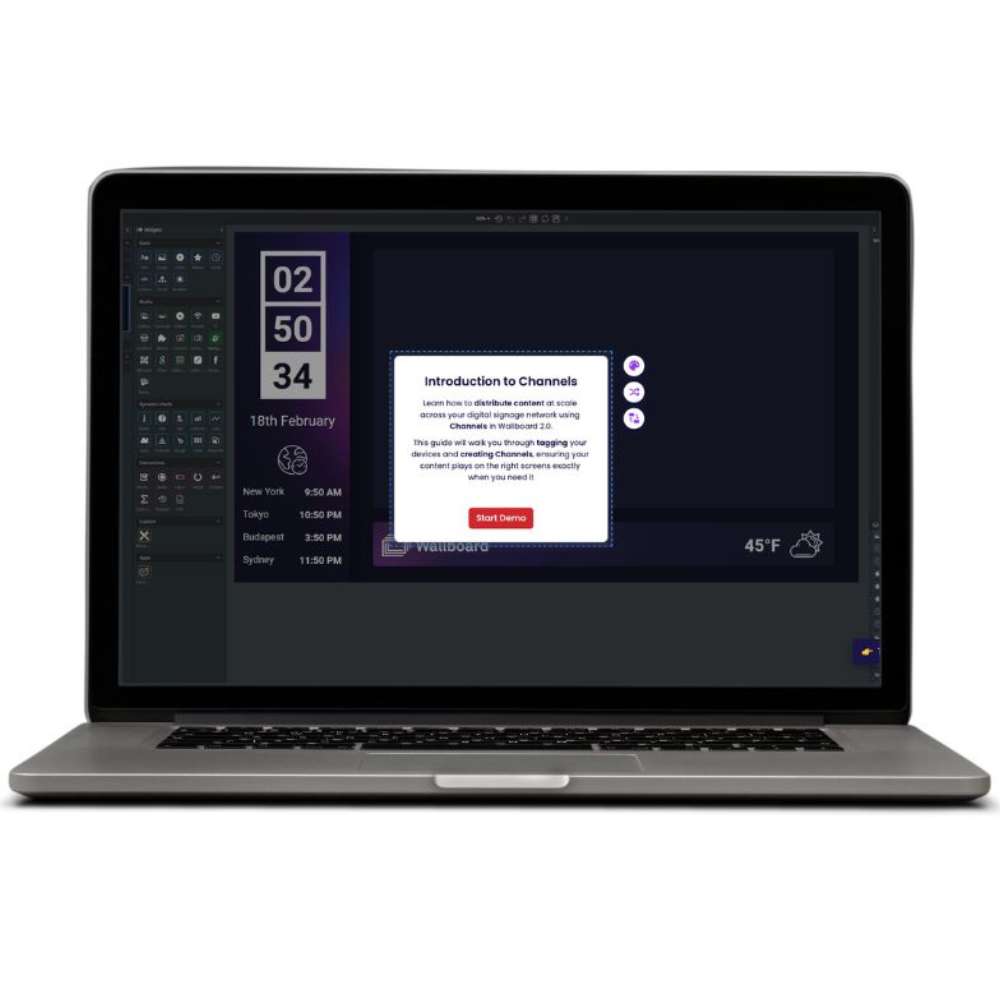
Introduction to Channels
(formerly Campaigns)

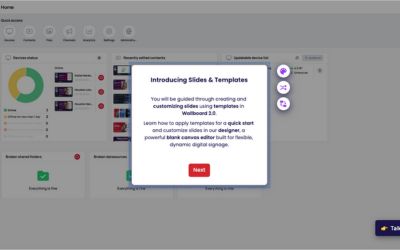
Introduction
to Slides
& Templates

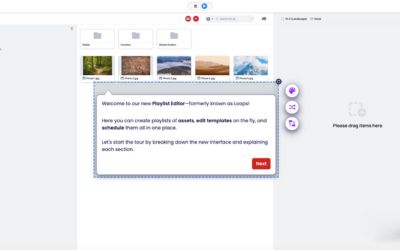
Introduction to Playlists & Scheduling

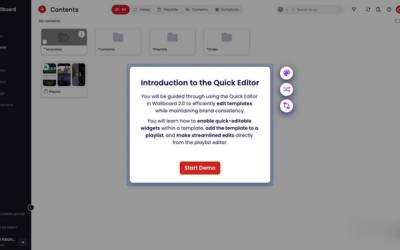
Introduction
to the
Quick Editor

Introduction to
the Content Designer

Interactive content creation
made easy

How to create dynamic content using our templates

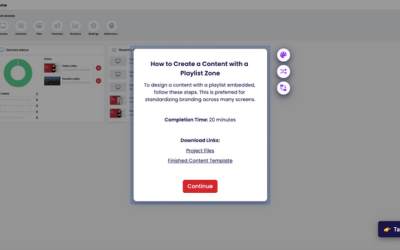
How to create a content with
playlist zone

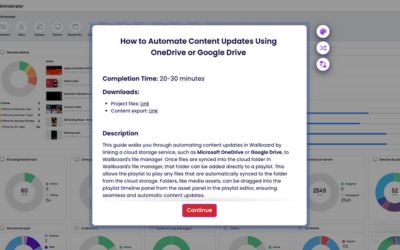
How to automate content updates using Google Drive

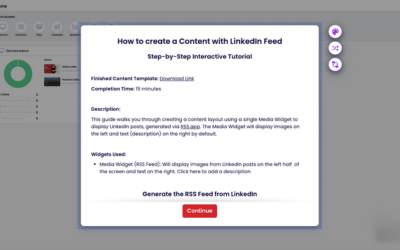
How to create a content with a LinkedIn feed

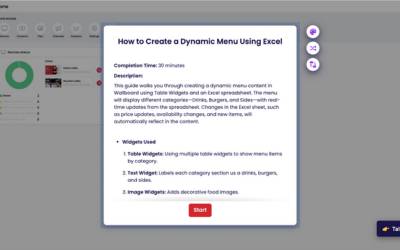
How to create a dynamic menu using Excel

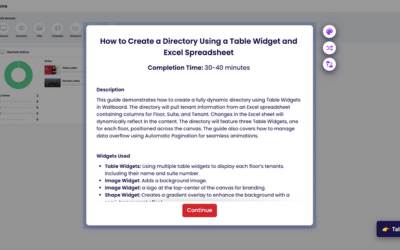
How to create a dynamic building directory using Excel

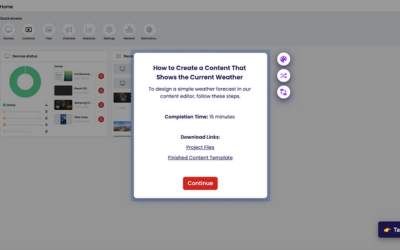
How to make a simple weather content

Technical Training Videos

Nexmosphere Sensor Training

How to create interactive content

How to integrate Microsoft applications

How to use webhooks

Use the PDF widget to create interactive content

Install Wallboard on BrightSign Players using BSN Cloud